Games to play on Chromebook
Free games that run in Chrome on any Chromebook, with no download, no Play Store and no Linux apps. Lighter games first, all playable with a touchpad or touch screen.
12 games · Updated
-
1. Fruit Slicer
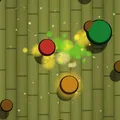
The smallest game on the site (about 9 MB), and a swipe on the touchpad slices just as well as a finger.
-
2. Colorful Merge
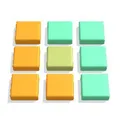
A calm colour-mixing puzzle: drag one block onto the next, with no clock, so it plays well on a basic touchpad.
-
3. Disc Golf
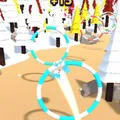
One click to time each throw, short holes and a light download, good for a break between lessons.
-
4. Car Jam 3D
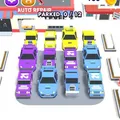
Click the cars in the right order to clear the jam; no keyboard, no timer pressure.
-
5. Sort Match 3D
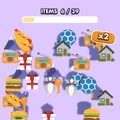
A quick matching puzzle against the clock that runs smoothly on low-power Chromebooks.
-
6. Park Draw
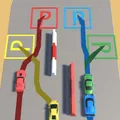
Draw a line from each car to its space with the touchpad or a finger on a touch-screen Chromebook.
-
7. Weight Puzzle
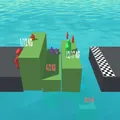
Drag weights to balance the platforms: a small maths puzzle that rewards thinking over speed.
-
8. Word Scramble
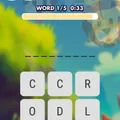
Over a thousand words in 28 themes; drag through the letters with the touchpad to spell each one.
-
9. Emoji Guess
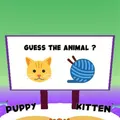
Read the emoji and pick the answer. Quiet, quick and fine to play with the sound off.
-
10. Color Water Sort
The relaxing pour-the-colours puzzle with 200 hand-made levels, all played with single clicks.
-
11. Car Rush
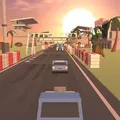
Hold to overtake, let go to dodge: a racing game that needs only one button.
-
12. Helix Tower Drop
Drag to spin the tower and drop the ball. One of the easiest games to pick up on a touchpad.


About these games
Chromebooks run Chrome, and every TinyJar game is a web game, so there is nothing to install: open the page, press Play and the game starts in the tab. That also means the games work on school and work Chromebooks where the Play Store or Linux apps are switched off.
The list starts with the lightest downloads and the games that play best with a touchpad. Games that need quick, precise dragging, like runners, are easier with a mouse or on a touch-screen Chromebook, so they are further down the site rather than on this list. If a game feels slow, close other tabs: WebGL games share the Chromebook's graphics with everything else that is open.
Progress is saved in Chrome on that Chromebook. If your Chromebook signs you out at the end of a session (as many school devices do), your progress may be cleared with it.
Questions and answers
Do these games work on a school Chromebook?
They run in Chrome with no install, so they work wherever your school allows the site to open. TinyJar Games does not try to get around school filters; if a network blocks the site, that is your school's choice.
Do I need a mouse?
No. Every game on this list plays with the touchpad, and on touch-screen Chromebooks you can tap and swipe as on a phone.
Why does a game run slowly on my Chromebook?
Older and lower-power Chromebooks have modest graphics. Close other tabs, plug in the charger (some Chromebooks slow down on battery) and try one of the lighter games at the top of this list.